
Video has become one of the most effective ways to engage customers online – and creating great content doesn’t always require expensive cameras or a professional film crew.
Today’s smartphones are capable of recording incredible video. With a few simple techniques, you can capture footage that looks professional and gives your marketing team or agency everything they need to create polished content.
Here are 11 simple tips to help you get the best results.
11 Simple Tips for Shooting Better Video on Your Phone
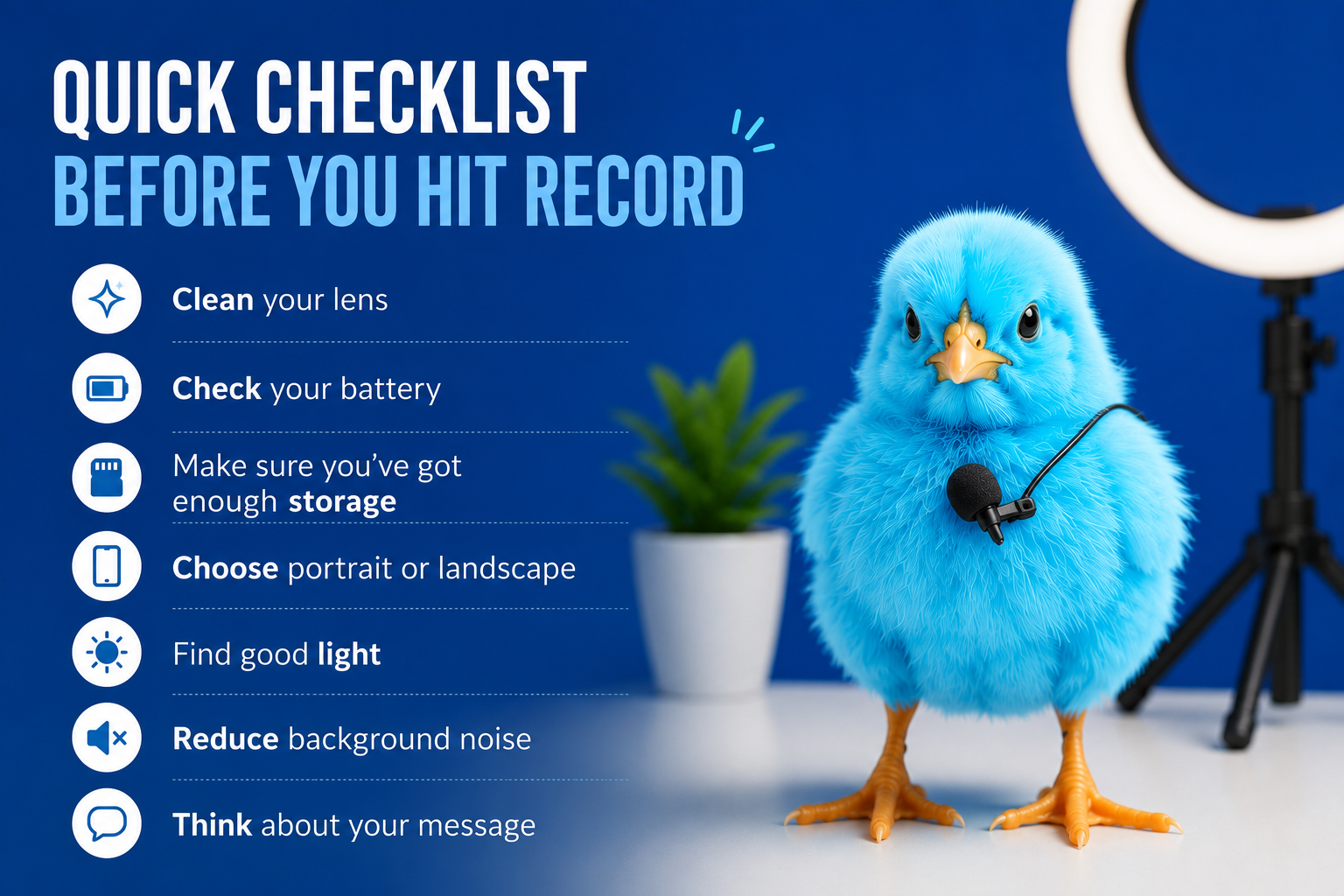
BEFORE YOU HIT RECORD
Great videos start before you even press the record button.
Take a moment to ask yourself:
- What’s the one message I want people to remember?
- Who am I talking to?
- What do I want them to do next?
If you can answer those three questions, you’re much more likely to create a video that’s focused, engaging and effective.
1. FILM IN THE RIGHT ORIENTATION
Before you hit record, think about where your video will be shared.
- Landscape (16:9) works best for YouTube, websites and presentations.
- Portrait (9:16) is perfect for Instagram Reels, TikTok, Facebook Reels, Stories and YouTube Shorts.
If you’re not sure, ask whoever is editing the video before you start filming. It’ll save time and help avoid awkward cropping later.
2. USE YOUR PHONE’S BEST CAMERA
Whenever possible, use the rear camera rather than the selfie camera. It produces much sharper, higher-quality footage.
If your phone allows you to change video settings, we recommend:
- Recording in 4K
- Using 25fps or 30fps for everyday filming
- Only switching to 50fps or 60fps if you’re planning to create slow-motion footage
3. CLEAN YOUR CAMERA LENS
It’s one of the easiest mistakes to make.
Your phone spends most of its time in your pocket or bag, so fingerprints quickly build up on the camera lens.
Before every shoot, give the lens a quick wipe with a clean microfibre cloth. It only takes a few seconds but can make a surprising difference to the quality of your footage.
4. PRIORITISE GREAT AUDIO
People will forgive average video. They won’t forgive poor sound.
Choose the quietest location you can and minimise background noise by turning off fans, televisions or anything else that might interfere with your recording.
If you regularly create video content, a small wireless microphone is one of the best investments you can make.
5. MAKE THE MOST OF NATURAL LIGHT
Good lighting instantly makes your videos look more professional.
Whenever possible:
- Face a window so natural light falls on your face.
- Avoid standing with a bright window behind you.
- Try not to mix natural daylight with indoor lighting, as it can make colours look unnatural.
- Use a ring light if natural light isn’t available.
You don’t need an expensive lighting setup – just make the best use of the light you already have.
6. KEEP YOUR PHONE STEADY
Shaky footage can distract viewers and make even great content look unprofessional.
If you have a tripod, use it.
If not, you can still create stable footage by:
- Leaning against a wall
- Resting your elbows on a table
- Propping your phone on a solid surface
- Using a simple phone clamp or stand
The steadier your footage, the easier it is to edit.
7. DON’T USE DIGITAL ZOOM
It can be tempting to zoom in, but digital zoom simply crops the image, reducing quality.
Instead, move closer to your subject if you can.
You’ll end up with sharper, clearer footage that’s much easier to work with.
8. DRESS FOR THE CAMERA
What you wear can affect how your video looks.
Try to avoid:
- Small stripes or detailed patterns
- Reflective fabrics
- Noisy jewellery that rattles against microphones
- Bright white clothing under strong lighting
Plain colours usually work best and help keep the focus on you.
9. CHECK YOUR BATTERY AND STORAGE
There’s nothing more frustrating than running out of battery halfway through filming.
Before you start, check that:
- Your battery has plenty of charge.
- You have enough free storage for your recordings.
- Low Power Mode is switched off, as this can affect performance on some devices.
A quick check before filming can save a lot of time later.
10. THINK LIKE AN EDITOR
Don’t just record yourself talking.
Capture extra footage of:
- Your products
- Your team
- Customers (with permission)
- Your workspace
- Close-up details
- Behind-the-scenes moments
- Wide shots of your location
These additional clips – called B-roll – help break up talking-head videos and give your editor much more flexibility to create a polished final video.
11. RELAX AND BE YOURSELF
The best videos don’t feel scripted – they feel genuine.
Speak naturally and imagine you’re talking to one person rather than presenting to a crowd.
If you make a mistake, don’t worry. Pause, take a breath and start the sentence again. Any mistakes can easily be edited out later.
Authenticity will always connect with your audience better than trying to be perfect.
WE’RE HERE TO HELP IF YOU’D LIKE ANY FURTHER GUIDANCE OR SUPPORT WITH YOUR SHOOT!